

Get to know Opera’s features
The features built right into Opera are prime examples of Opera’s drive to continuously reimagine what a browser can do. Take a look at the features below and see how Opera makes browsing better. See more
 Don't have Google Play?
Download the app here This is a safe download
from opera.com


Discover Opera’s features
Get to know the Opera browser better and do more on the web!


You deserve a better browser
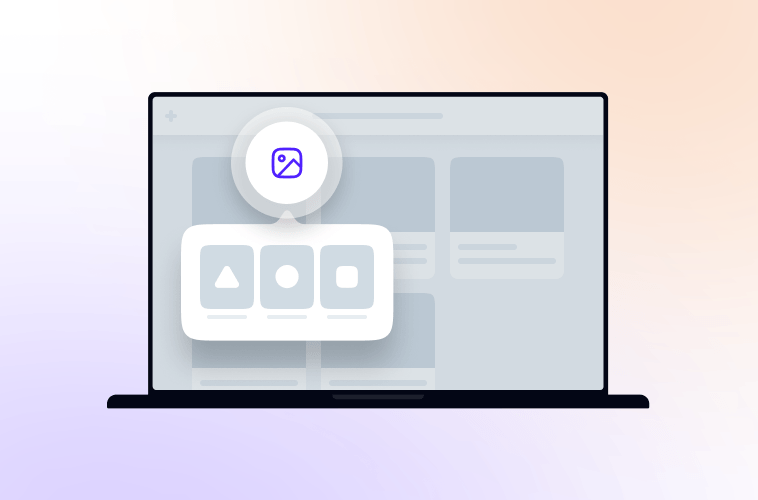
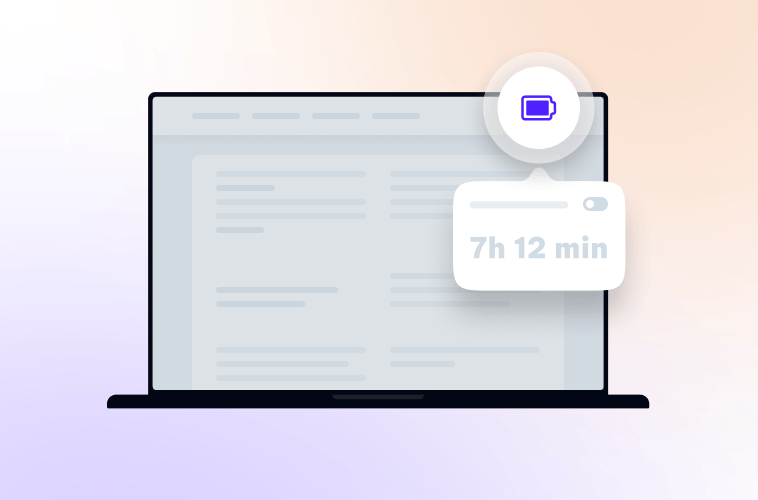
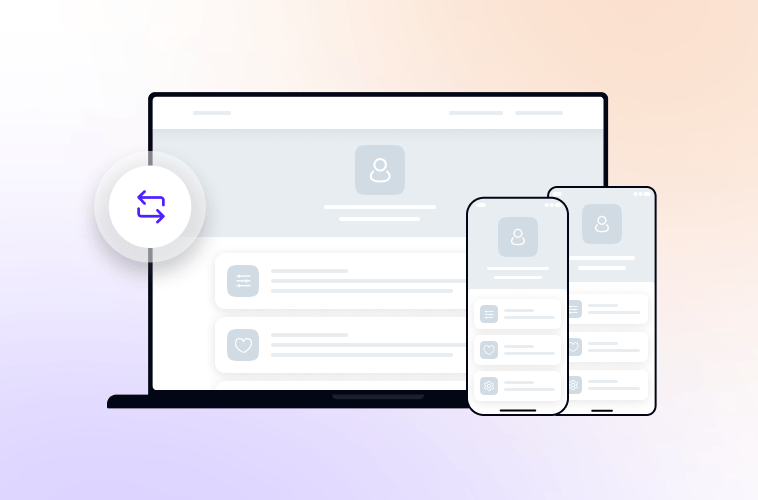
Opera's free VPN, Ad blocker, and Flow file sharing. Just a few of the must-have features built into Opera for faster, smoother and distraction-free browsing designed to improve your online experience.
Don't have Google Play?Download the app here This is a safe download
from opera.com